Replies
No one has replied to this post.
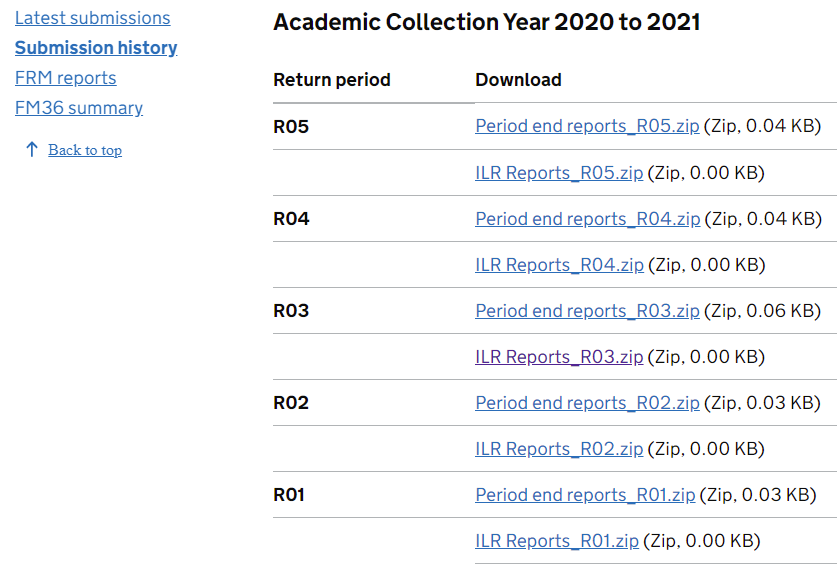
Hi Helen - thanks but it's not the period end reports, its a summary report that illustrates how the monthly payment has been made up taking into account dlock errors, withheld completion payments and clawbacks. You can't download the actual summary but at the bottom of the page you can download a csv that shows you which learners are causing payments to be withheld/clawed back.
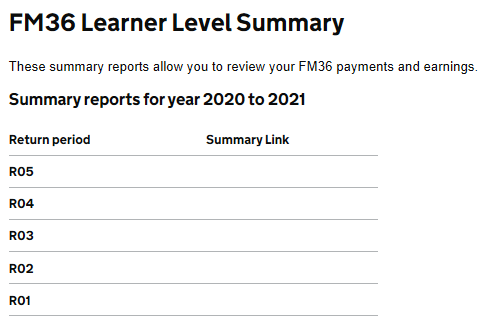
A query to the service desk i think might be best something not right there.
I m always a bit reluctant to go to the service desk as you can get copy and paste answers it feels like sometimes (rather them them actually reading your question) but today had a really helpful/personal reply to a query which was refreshing!
Yes, I've raised a call with the service desk and had to correct them as they keep thinking i'm struggling with the period end reports. As I couldn't fully remember where the summary report was located until you said Jessicar I'll go back again and ask why they've disappeared. It's really frustrating as I was only looking at them a week ago! Thanks Jessicar.
Kirsty Tallis
Period Summary Report
Created
Hi all - not sure if i'm going mad but I can't seem to locate the Period Summary Report any more relating to how the months funding is made up eg: total earnings for the period, earnings released from previous periods, data locks, completion holdbacks, clawbacks, other etc. I'm sure it was an option on SLD under Submission History and then listed after Period End Reports for each month. Can anyone advise? Thanks.